Turn scanned and handwritten documents into accessible PDFs while preserving their content and layout. Review and refine every page with AI-assisted tools.
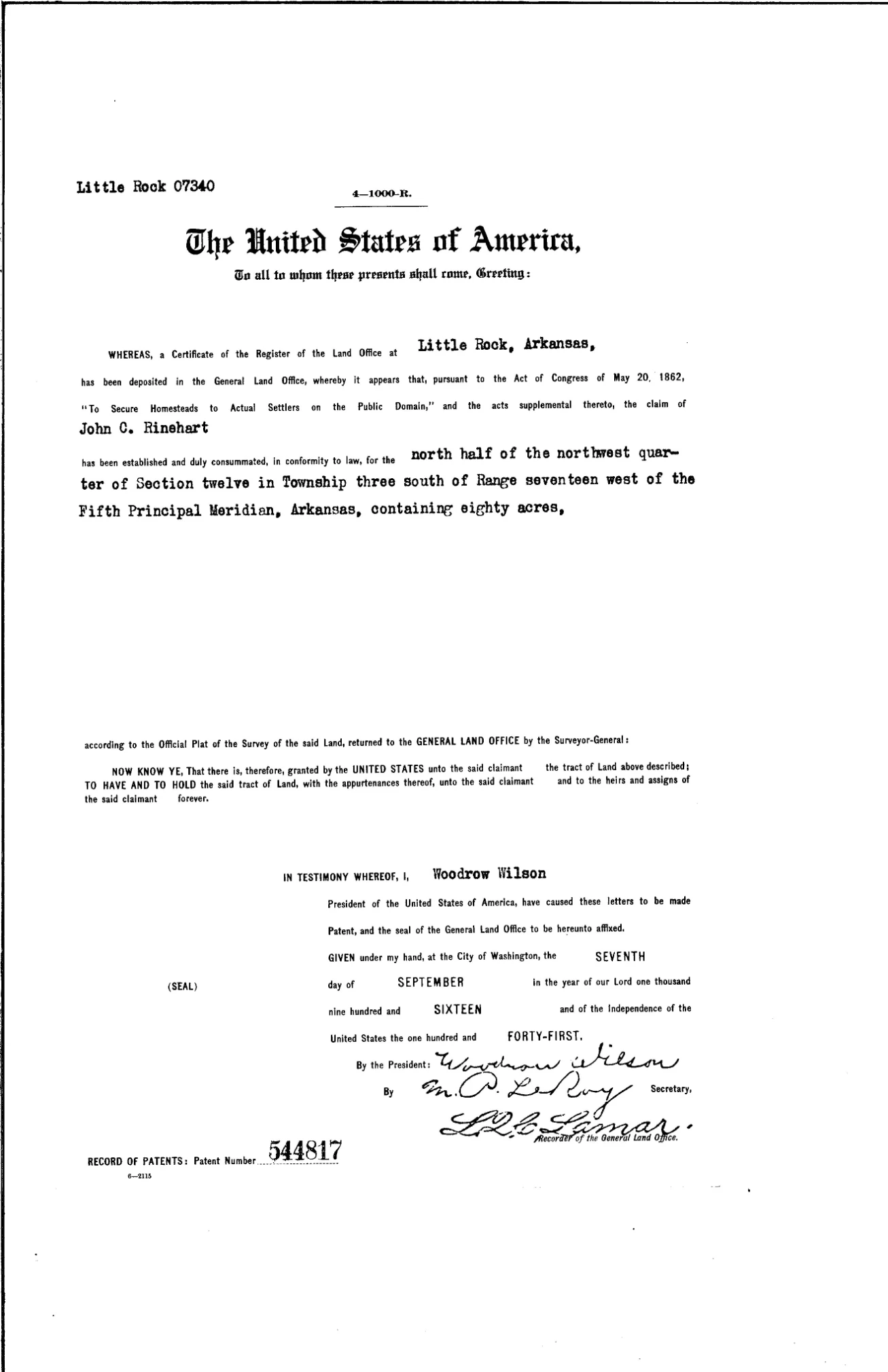
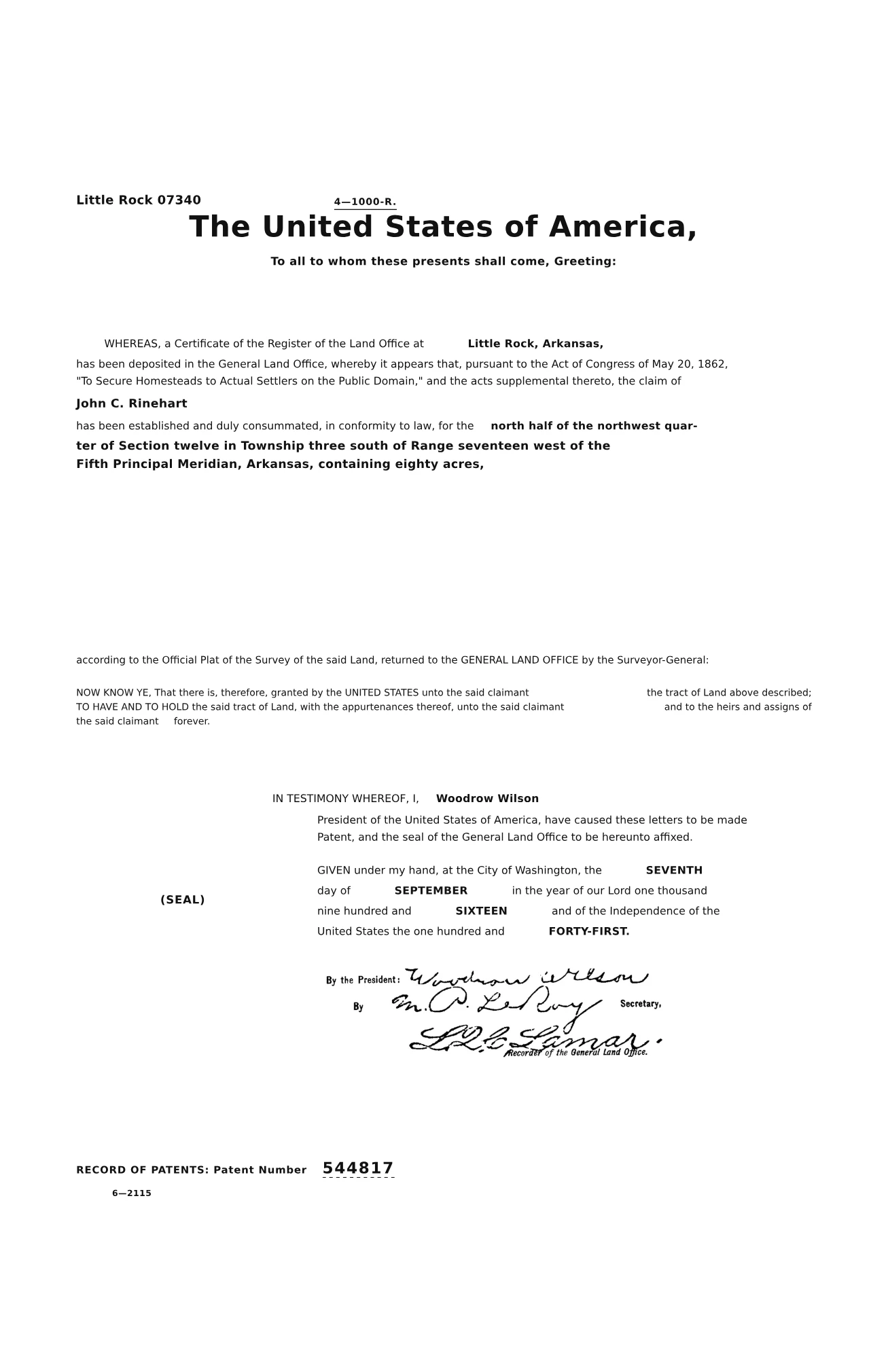
Compare a real original PDF and its converted version. Explore both pages, approve the example, and download the converted PDF. Editing and AI repair are available in the full review workspace.
Built for any document.
Forms
Reports
Letters
Invoices
Manuals
Contracts & agreements
Research papers
Medical records
Statements of economic interests
Campaign disclosures
Conflict of interest codes
Meeting minutes
Resolutions & ordinances
Public notices
Board packets & agendas
Permit applications
Budget documents
Mixed document packets
Forms
Reports
Letters
Invoices
Manuals
Contracts & agreements
Research papers
Medical records
Statements of economic interests
Campaign disclosures
Conflict of interest codes
Meeting minutes
Resolutions & ordinances
Public notices
Board packets & agendas
Permit applications
Budget documents
Mixed document packets
01The opportunity
Make scanned PDFs readable by screen readers.
A scan stores the page as an image. A tagged PDF adds text, headings, and table structure that a screen reader can navigate. Toggle to compare.
Example screen reader text
01Document, SEI_2025_scan.pdf
02Page 1 of 1
03Graphic
04Graphic
05End of document
Readable text
None
Headings
0
Tables
0
Described images
0
02Why Paperlyft
Tags that carry meaning, not just structure.
Useful tags connect readers with the meaning of the page. Paperlyft brings text, headings, tables, and descriptions into one review workspace, so your team can check both structure and content.
WCAG 1.1.1 · Non-text content
Image description
Needs context
Graphic: logo
Tag presentIt’s a dated receipt stamp, not a logo
Paperlyft
Graphic: Received stamp, March 28, 2026, Sample County Clerk
Tag presentMatches the page
WCAG 4.1.2 · Name, role, value
Checkbox
Needs context
Checkbox, checked
Tag presentChecked, but for which option?
Paperlyft
Statement type: Annual, checked
Tag presentMatches the page
WCAG 1.3.1 · Info and relationships
Table cell
Needs context
$10,001 to $100,000
Tag presentA value with no schedule or interest
Paperlyft
Row 1. Schedule A-1, Investments: Riverbend Solar LLC. $10,001 to $100,000
Tag presentMatches the page
WCAG 1.3.2 · Meaningful sequence
Reading order
Needs context
Name of filer: Received, Mar 28 2026, Jordan A. Rivera
Tag presentThe stamp is read in the middle of the name
Paperlyft
List, 3 items. Name of filer: Jordan A. Rivera
Tag presentMatches the page
WCAG 1.3.1 · Info and relationships
Headings
Needs context
Heading level 1: Schedule summary
Tag presentEvery heading at level 1 leaves no outline to follow
Paperlyft
Heading level 2: Schedule summary
Tag presentMatches the page
These illustrative examples show how clear descriptions, meaningful headings, and connected table values help readers understand a document.
03How it works
From scanned PDF to accessible PDF, in five steps.
Paperlyft reads each page, rebuilds its structure, and checks the result. Your team reviews the document before publishing.
Upload your scanned PDF
Upload once and follow each page from processing through review.
Combine automated structure checks with your team’s review of content, descriptions, and reading order.
W3C · Level AA
WCAG 2.1 AA
Checks cover headings, tables, reading order, and descriptions of images. Reviewers check whether the content and descriptions make sense in context.
1.1.1Non-text content
1.3.1Info and relationships
1.3.2Meaningful sequence
2.4.2Page titled
3.1.1Language of page
4.1.2Name, role, value
ISO 14289-1
PDF/UA-1
An industry-standard validator checks the machine-readable requirements in the PDF, including its tagged structure. Team review and assistive technology testing complete the assessment.
PDF/UA-1 validation profile
structure tag tree checked
result sent to review
Federal ICT
Section 508
Support your Section 508 review with tagged PDFs and documented checks. The Revised 508 Standards incorporate WCAG 2.0 Level A and AA for covered electronic content.
Visual fidelity
Compared with the original
Your team checks the converted document alongside the scan. Content that needs more space can use tagged continuation pages to stay readable.
Team expertise
Reviewed by your team
Reviewers check the content, edit anything that needs it, and approve each document before publishing.
05Who it’s for
For public agencies, schools, and anyone who publishes documents.
Built for individuals, teams, and organizations in any field. Paperlyft works with the content and layout of your scanned PDFs, from a single page to a mixed document packet.
Everyday work
Share everyday documents
Letters, forms, invoices, and statements for customers, colleagues, and the people you work with.
Knowledge
Make knowledge easier to use
Research papers, teaching materials, reports, and manuals for readers, students, and staff.
Archives
Bring archives back into use
Historical records, scanned correspondence, and older documents that people still need to read.
Publishing
Publish for your audience
Public records, meeting minutes, policies, and notices for your community or audience.
Complex documents
Work with varied layouts
Contracts, financial reports, medical records, and mixed packets with tables, signatures, and varied layouts.
06FAQ
Questions, answered.
Does ADA Title II apply to PDFs?
Yes. PDFs posted on state and local government websites are web content under the ADA Title II rule and generally must meet WCAG 2.1 AA, subject to the rule’s limited exceptions. This includes forms, meeting minutes, reports, and public notices when an exception does not apply.
When is the ADA Title II deadline?
April 26, 2027 for state and local governments with a total population of 50,000 or more, and April 26, 2028 for those with a smaller total population or special district governments. The Department of Justice extended the original deadlines by one year in April 2026. The technical requirements did not change.
What kinds of documents can Paperlyft convert?
Image-only PDFs: scanned or photographed pages with printed text, handwriting, tables, checkboxes, signatures, logos, and stamps. Multi-page files are processed page by page.
Can handwritten documents be made accessible?
Yes. Paperlyft reads handwriting along with printed text, then rebuilds the page as tagged text that a screen reader can follow. Your team compares the result with the original before publishing.
Is OCR enough to make a scanned PDF accessible?
No. OCR adds text, but a screen reader also needs headings, a logical reading order, table structure, and image descriptions. Paperlyft adds that structure and validates the result against PDF/UA-1.
How do automated checks and team review work together?
Automated checks assess machine-checkable structure. Your team adds context by comparing the converted PDF with the source, checking descriptions and table relationships, and reviewing the reading sequence. Paperlyft brings these steps into one workspace.
Will the accessible PDF look like the original?
Paperlyft rebuilds the document around its source content and layout. Compare the result alongside the original to confirm the details. When content needs more room to stay readable inside the margins, tagged continuation pages provide extra space.
How is accessibility checked?
Paperlyft supports a standards-based review workflow for WCAG 2.1 AA and PDF/UA-1. Automated checks cover document structure, and an industry-standard validator checks machine-checkable PDF/UA requirements. Complete the review with content checks and assistive technology testing before assessing conformance and publishing.
What is the difference between WCAG 2.1 AA and PDF/UA?
WCAG 2.1 AA is the accessibility standard that ADA Title II requires for web content. PDF/UA (ISO 14289) defines how a PDF must be built so assistive technology can read it. A PDF that meets PDF/UA is in a strong position to meet WCAG for documents.
Does a person check every document?
Your team reviews the converted PDF alongside the original, edits anything that needs it, and approves the document before publishing.
How can I check if my PDF is accessible?
Use the free Paperlyft PDF accessibility checker. Upload one PDF, up to 20 pages, and see structural issues with their page locations. No account needed, and your file is deleted after checking.
Who is Paperlyft for?
County and public agencies that publish records the public relies on — and any organization that has to make its documents accessible under federal requirements.
Publish records everyone can read.
Request early access. We’ll contact you to arrange a walkthrough and discuss the documents your office publishes.